
July 2026 · 1 min read
Automating Astro Rebuilds via Sanity Webhooks
Link your Sanity CMS content changes directly to Cloudflare Pages deploy hooks to automate your Astro site rebuilds without manual git pushes.
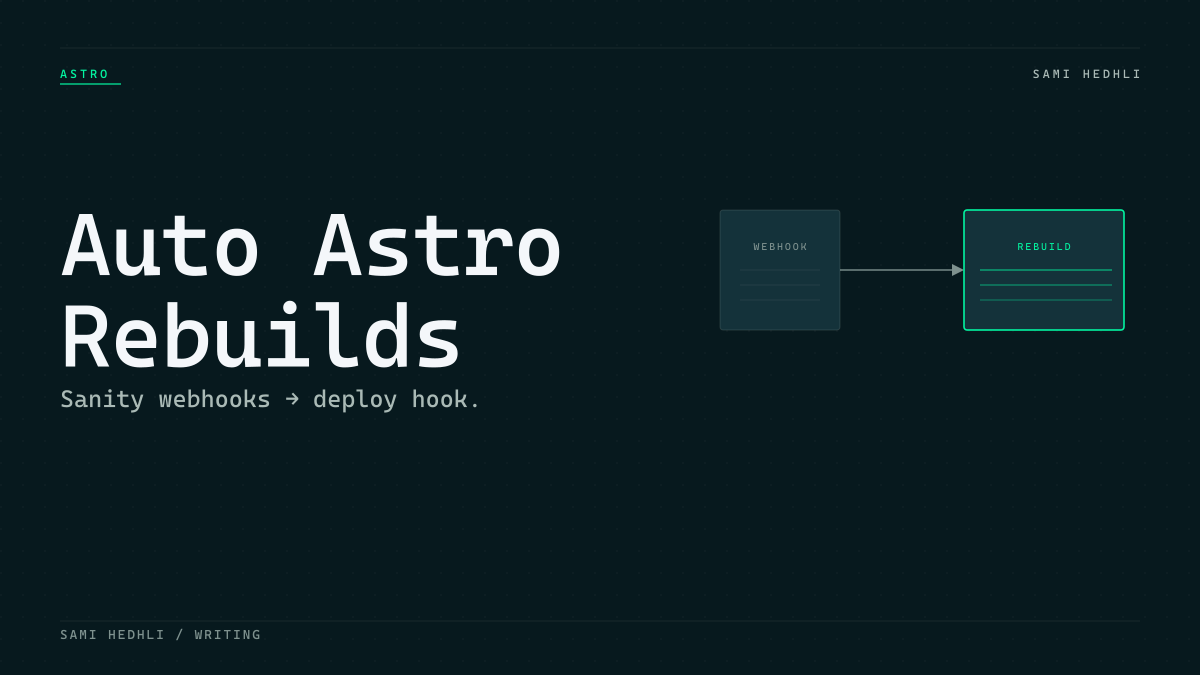
Configure targeted webhook triggers
Static site generation demands a fresh build every time content changes. If you trigger a redeploy on every draft save, Cloudflare Pages queues an infinite loop of builds. This wastes compute limits and keeps your production site in a constant state of churn.
The secret to a stable pipeline is strict filtering. In your Sanity webhook settings, configure the triggers to fire only when a document transitions from draft to published, or when a published document is updated. Do not include raw draft saves in your event filter. This keeps the build queue focused only on meaningful production changes.
Link Sanity to Cloudflare Pages
Cloudflare Pages provides a dedicated deploy hook URL that is the entry point for external build triggers. You generate this inside the Settings tab of your Cloudflare Pages project. Once you have that URL, the rest of the configuration lives entirely within your Sanity project settings.
In your Sanity Studio, navigate to the API section and select Webhooks. Create a new entry. Paste your Cloudflare Deploy Hook URL into the target field. Specify your production dataset to ensure the webhook only reacts to your live content changes.
curl -X POST https://api.cloudflare.com/client/v4/pages/webhooks/deploy_hook/your-unique-idSources
Related articles
A Git Tree Is Enough: Running a Public Benchmark Without a Database
Ditch the server-side database. Use a structured folder tree in Git as your source of truth and build a manifest for a static SPA.
Headless Cookie Consent with Cloudflare Zaraz
Eliminate heavy client-side consent bundles. Offload cookie management to the Cloudflare edge using Zaraz for performance and privacy.