
June 2026 · 2 min read
Stop Using rm -rf in Your Daily Terminal Workflow
Prevent accidental permanent deletions by replacing the standard rm command with a native trash utility linked directly to your macOS Zsh shell.
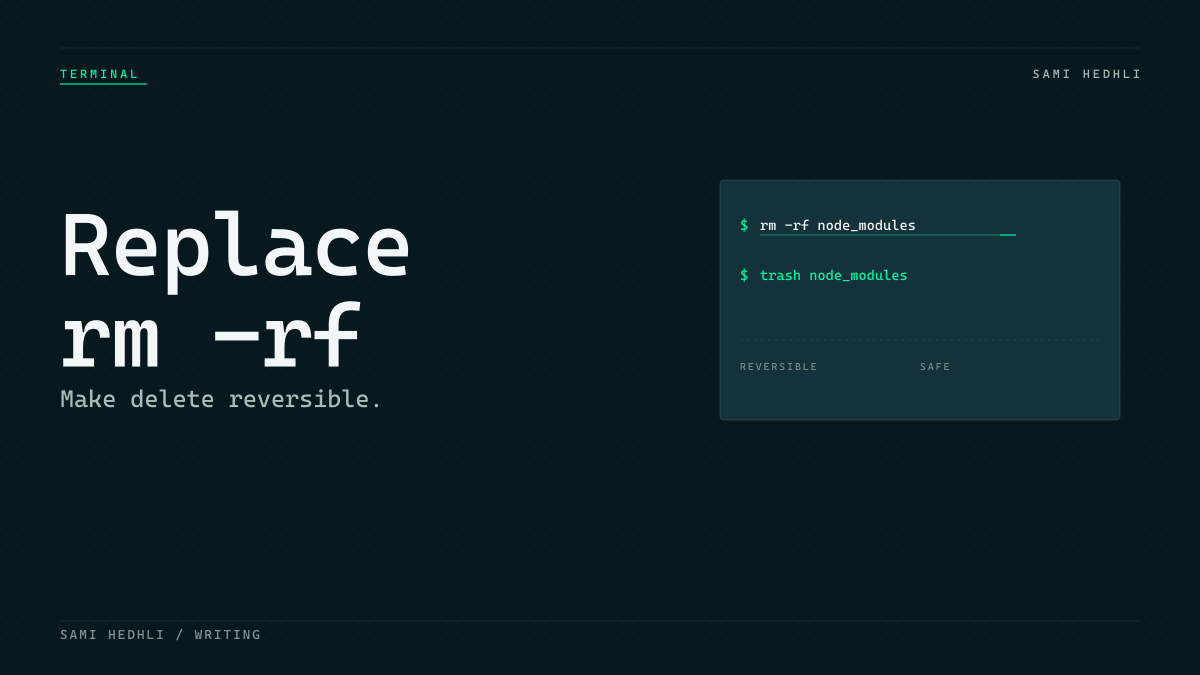
The high cost of a terminal typo
Standard terminal deletion tools carry no safety net. When you run the standard rm command, the operating system unlinks the file and immediately reclaims the storage blocks. There is no confirmation step by default unless you manually configure protective flags like -i. This immediate removal leaves no room for recovery when a typo occurs.
I felt the very real fear of losing a file in the terminal. This anxiety has increased now that AI code agents execute bash commands directly on my local environment. A single malformed path from an automated script can wipe out an entire directory in a fraction of a second.
Intercepting deletions with trash-cli
You can eliminate the danger of permanent deletions by routing your terminal removals through the native macOS Trash. The open-source trash utility acts as a safe intermediary. Instead of wiping files from the filesystem index, it moves them to the system-managed trash directory. You retain the ability to recover files using the standard macOS Finder interface.
brew install trashMapping the rm alias in Zsh
Replacing the default deletion behavior requires a persistent shell alias in your configuration file. Since macOS defaults to the Zsh shell, you must modify your .zshrc file to intercept the rm command. This redirection ensures that both manual commands and third-party AI scripts default to the safe behavior.
alias rm="trash"I added this simple alias to my .zshrc file. Now, whenever my automated development tools or I run a command to delete local files, they go directly to the macOS Trash. It is a minor configuration change. It prevents catastrophic typos without requiring you to change your daily muscle memory.