July 2026 · 7 min read
Shadow IT Is Just a Symptom of Bad Internal Tools
When your operations team relies on fragile spreadsheets, you are failing to provide usable workflow tools. Here is how to fix the root cause.
Shadow IT is a symptom of operational friction
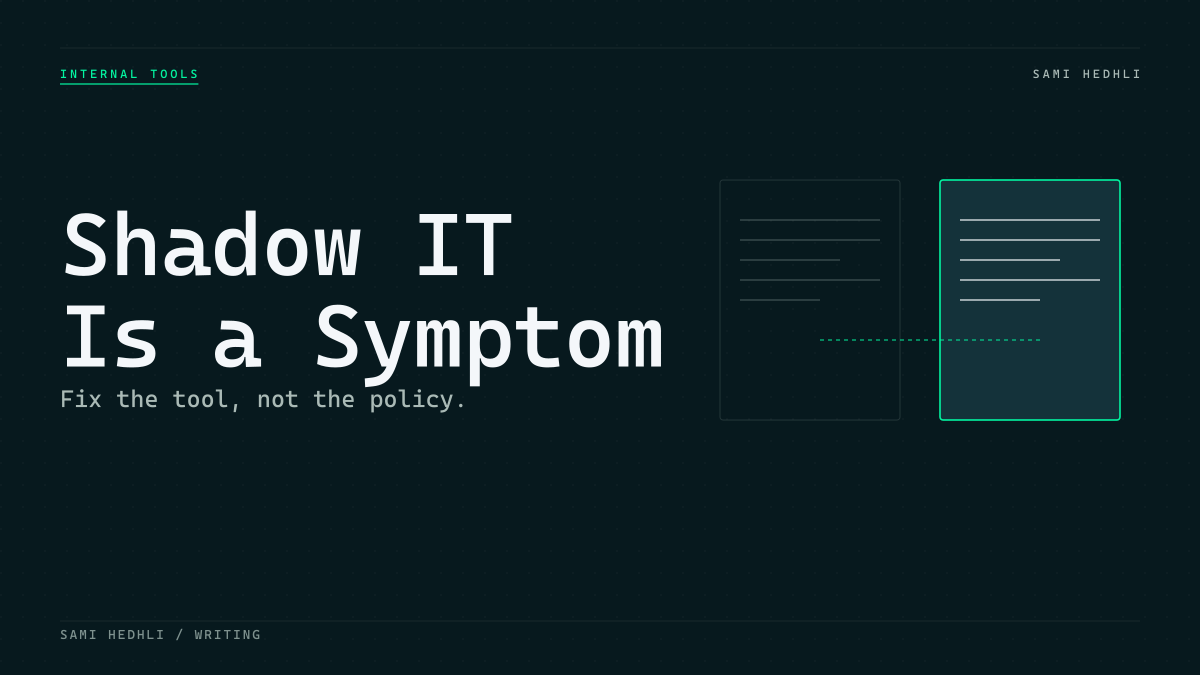
When your operations team starts managing critical business processes in a rogue Google Sheet or a private SaaS account, you have not encountered a security threat. You have encountered a failure of your internal product engineering. Shadow IT is rarely the result of malice or a desire to bypass policy. It is a desperate attempt to get work done when official tools get in the way. Employees work to survive the day. If a process takes ten clicks in your custom built dashboard but only one click in an unapproved spreadsheet, the spreadsheet wins every single time. My experience confirms that when internal tools feel like a burden rather than a utility, users will inevitably build their own path of least resistance.
I often see engineering teams express frustration when they discover that their staff uses unauthorized software. They view these tools as risky vectors for data leaks or as evidence of a lack of discipline. However, looking at the problem this way is a massive mistake. The employees using these tools are often your most productive individuals. They have identified a specific bottleneck that limits their output. Instead of waiting for a ticket to crawl through a six month backlog, they solve the problem themselves. By adopting a tool that bridges the gap between the status quo and the needed result, they are actually demonstrating initiative. Your goal as a leader is to capture that energy rather than suppress it. Banning the tools will only drive the behavior underground. You will lose visibility into what data is moving where. You will create a culture of secrecy that damages the relationship between IT and the rest of the business.
Why teams outgrow your official tools
The gap between official software and reality grows because developers often design for an idealized version of a process rather than the messy, high velocity reality of daily operations. When your tools are rigid, slow, or lack necessary features, they become dead weight. Users stop requesting improvements because they perceive IT as a gatekeeper that says no or takes six weeks to respond to a simple request. This creates a perception gap. Engineers see a stable, secure system. Operations sees a bottleneck that prevents them from shipping value.
The irony is that shadow IT functions as a real time roadmap for where your platform is actually broken. If a team is moving data into a separate tool, look at exactly what that tool allows them to do that yours cannot. Perhaps it allows for faster bulk editing. Maybe it provides a more flexible filtering interface. It could even be as simple as supporting a copy and paste action that your current tool blocks. These small wins for the user are actually massive indictments of your current software architecture. If your employees feel they must bypass your system to achieve their daily objectives, you have failed to understand their requirements. This is not about the technology being inherently better. It is about your technology being too difficult to operate under pressure. You must accept that your users need a tool that mirrors how they actually work rather than how you think they should work.
Stop treating internal tools as a secondary backlog
Treating internal software as a low priority task is a silent tax on your entire organization. It is easy to deprioritize admin panels and reporting tools in favor of revenue driving customer features. However, internal tools are the plumbing of your business. If the support team cannot pull customer history quickly or if operations handles data entry in multiple tabs, the entire organization loses money through inefficiency. You are paying for software that slows your employees down instead of accelerating them.
Building internal tools once and then abandoning them is another common failure mode. The business changes, the data models evolve, but the tool rots. When the tool no longer reflects the current workflow, it becomes useless. You must allocate time for maintenance and iteration, or you are inviting shadow IT to fill the void. I have worked on systems that were deemed finished years ago, yet the team was still using them for mission critical tasks. The technical debt was massive. Every change required a full deployment. The data was inconsistent across different screens. These are the environments where rogue spreadsheets thrive. You cannot simply ship and forget. You must provide ongoing support, bug fixes, and feature updates. If you do not have the capacity to maintain the tool, you are better off not building it at all. Constant neglect ensures that your employees will eventually leave your software behind.
Model the workflow before the database
Engineering teams often jump straight into entity relationship diagrams without testing their logic against the actual task lifecycle. If you cannot describe the sequence of a workflow in plain language, your data model is premature. Start by defining the states of a record, such as draft, review, or done. This mapping process reveals where humans are actually adding value versus where the system is adding unnecessary complexity.
I focus on keeping workflows flat and explicit. Over modeling dependencies creates a system that is impossible to navigate when a process changes. By keeping the state transitions clear and simple, you make the system predictable for every team member. If the logic is easy to explain, it is usually easy to maintain. I once spent a week untangling a system where every single task had five different dependency levels. It was a nightmare. The users hated it. They could not figure out how to transition a task from one step to the next. We deleted the dependency model entirely and replaced it with a simple, linear state machine. The usage patterns improved immediately. People knew where their tasks stood at all times. They were no longer afraid to use the software because they knew exactly what would happen after they clicked a button. Simplicity is a design choice you must make every single day.
Build interfaces for operational throughput
Internal tools are not consumer apps. They do not need decorative flair or complex animations. They need high density data views, keyboard shortcuts, and stable layouts. When I designed our internal workflow system, my goal was to make the tool faster to use than a spreadsheet. That meant prioritizing screens that allowed users to scan status and perform actions without multiple page loads or hidden menus.
Design screens for the power user who performs the same task fifty times a day. If you provide useful defaults and clear filtering options, the software effectively fades into the background. Users adopt your tool not because it is mandatory, but because it is objectively better for their productivity. Think about the physical movement required by your interface. Does a user have to move their mouse across the screen three times to process one record? That is too much. You want them to focus on the content, not the interface. Use keyboard shortcuts to accelerate common actions. Make your tables dense enough that they can see a broad overview without needing to scroll endlessly. A screen that hides important state inside a nested menu is a failure. You want to expose that state as clearly as possible. If the data is important, put it on the screen. If the user needs to act on it, make that action obvious and instantaneous.
Automate audit trails as a byproduct of state
Auditability should be a side effect of your system architecture, not a task you ask users to perform. Manual logs are always out of date or missing information. Instead, build your system to capture every state change automatically. Store the user, the timestamp, the previous state, and the updated state as an immutable record of every transaction.
This approach shifts audit compliance from a stressful, manual chore to a simple data query. It provides the source of truth that management needs to trust the system while freeing the operations team from tedious record keeping. You build trust in the data by making it impossible to change a record without leaving a trace. I have seen too many projects fail because they relied on humans to log their actions. Humans forget. Humans lie. Humans get busy. When you automate the logging of every event, you remove the human variable from the equation. The database becomes the history of the entire process. If something goes wrong, you do not have to guess what happened. You simply query the audit table. This creates a sense of confidence that is essential for any operational software. Your users will know their actions are captured, and management will know that the system is providing an accurate representation of the truth.
A practical checklist for workflow health
Before you call your next internal tool project complete, run it through this assessment to ensure it solves the root problems of operational friction. If you cannot answer these questions clearly, you are likely building a future source of shadow IT. You must hold your work to a high standard if you want to win back the trust of your operations team.
Is the core workflow documented in plain language and reflected directly in the state transitions? Do the interface designs enable high frequency scanning without unnecessary clicks or nested menus? Are the most common actions accessible via keyboard shortcuts or stable defaults? Does the database automatically capture audit history for every critical change? Can users easily filter and report on the data without waiting for an engineering ticket? If you answer no to any of these, go back to the drawing board before you deploy.
Sources
- Shadow IT is a Symptom, Not the Problem - Advanced Legal
- Shadow IT is Not the Problem
- What is Shadow IT?
- Shadow IT: The symptom you think is the problem | ODCUS
- Shadow IT: Stave Off the Risks with the Right Strategies - Edvantis
- Internal Tools 101: What They Are, Why They Matter, and Real Examples | Vybe Blog
Related articles
Simplifying Internal Workflows Without Losing Auditability
Build maintainable operational software by prioritizing explicit workflow states and automated audit trails over complex, over-engineered systems.
What I Learned Building Internal Workflow Tools
Reflections on designing operational software: mapping team coordination into simple workflows, useful states, readable screens, and maintainable data models.